How to Prospect on LinkedIn with AI Without Spamming
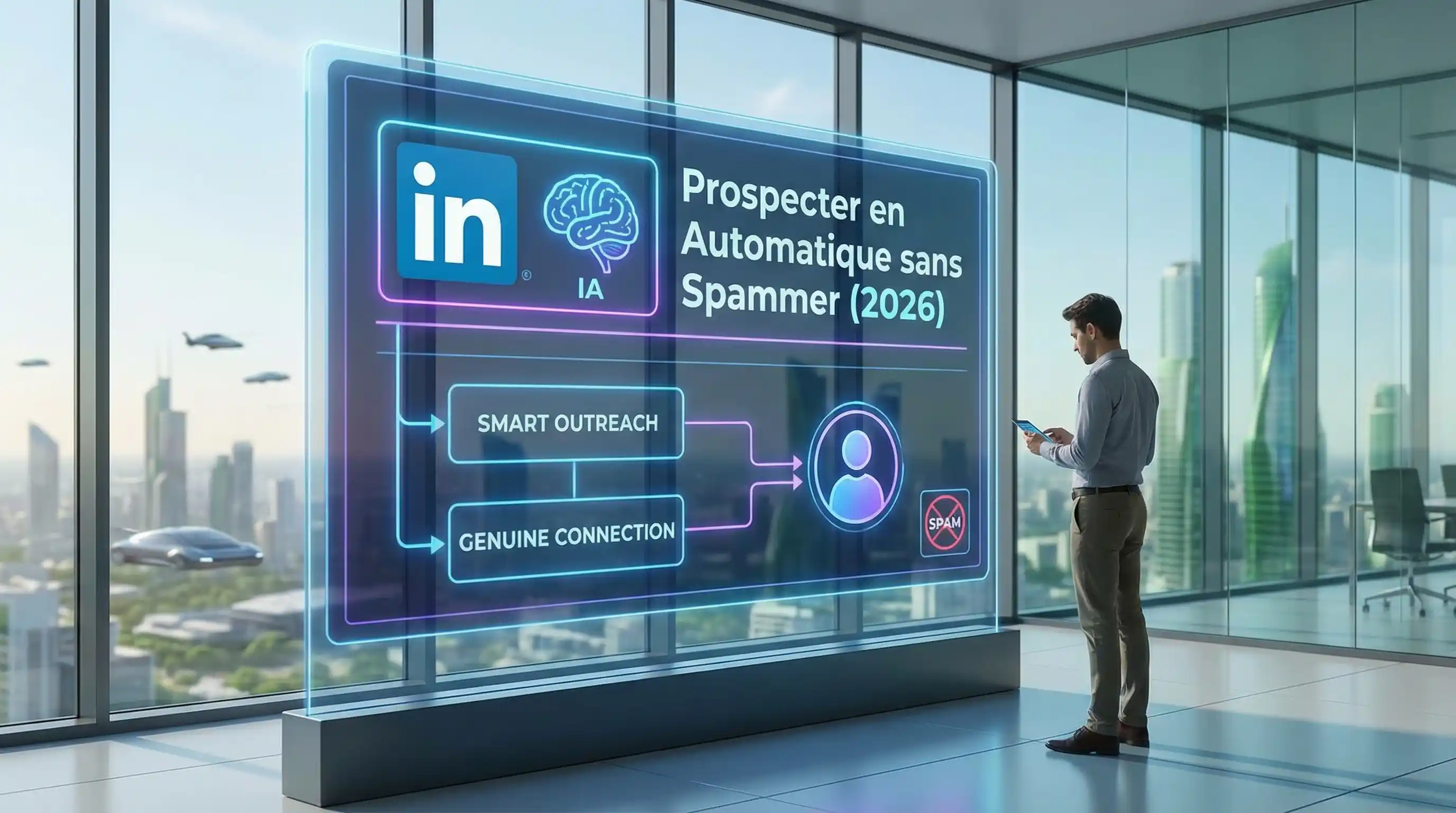
Table of contents
AI LinkedIn automation means sending hyper-personalized messages at scale using an agent that analyzes each prospect’s profile (recent posts, bio, company) and writes a unique icebreaker. Result: 40% acceptance rate and 15-20% response rate, compared to 3-5% with copy-paste messages. The key: personalization quality, not volume.
We’ve all received this message: “Hi [First Name], I saw that you work at [Company Name] and I’d like to propose our digital synergy services…”
In 2026, this kind of message doesn’t end up in the trash. It ends up reported as spam. And your account ends up restricted.
Mass “Cold Messaging” is dead. But automated prospecting is more alive than ever thanks to AI. The difference? Hyper-personalization at scale. That’s exactly the principle behind Zoe, our LinkedIn prospecting agent.
The “Sniper” vs “Machine Gun” Strategy
The classic approach (2022) was sending the same message to 1,000 people hoping for 3 responses. The AI approach (2026) is sending 50 messages per day, but each one is unique.
How? By using an AI Agent to do the research you don’t have time for.
The Perfect 4-Step Workflow
Here’s the secret recipe for automating your prospecting while staying “human.”
Step 1: Targeting (No AI Here, Just Common Sense)
Use Sales Navigator to isolate a precise niche. Example: “HR Directors in logistics in your area, in their role for less than a year.” Export this list (via PhantomBuster or Captain Data).
Step 2: Contextual Enrichment (Where the Magic Happens)
This is where AI enters the picture. Don’t settle for First Name/Last Name. Have your agent visit each prospect’s profile and collect: their latest post, their company description, and a passion mentioned in their “About” section.
Zoe does this automatically: she scrapes, enriches, and qualifies each prospect before writing anything.
Step 3: Writing the Icebreaker
Instead of a fixed template, use a dynamic AI prompt in n8n or Make:
"Act as an expert in [Your Field]. Write an opening line
for [FirstName] mentioning their latest post about [Post Topic].
Be casual, short (under 20 words) and don't sell anything."
Generated result: “Hey Thomas, loved your take on AI in logistics, especially the part about autonomous warehouses!”. Impossible to tell it’s an agent.
Step 4: Sending (Slowly but Surely)
Use a “Cloud Outreach” tool (like Waalaxy or LaGrowthMachine) to send the message. Set random delays to mimic human behavior.
How Not to Get Banned by LinkedIn
LinkedIn hates bots. To survive:
- Respect quotas: Never more than 80 connections/day.
- Warm up your account: Don’t send 100 messages on day one. Scale progressively (10, 20, 30, 50…).
- Be relevant: If too many people click “I don’t know this person,” you’re done. Hence the importance of the AI Icebreaker.
To stay legally compliant as well, check our GDPR & AI Act Checklist.
The ROI of This Method
With this approach, we see acceptance rates of 40% and response rates of 15-20%. If you contact 50 people per day, that’s 10 conversations and 2 qualified meetings per day. All automated.
To calculate exactly how much this is worth to you, use our AI ROI Calculator.
These are actually the results we achieve with Zoe for our clients: a 34% reduction in cost per lead and a 9.2x ROI in the first quarter.
Conclusion: Quality Over Quantity
AI isn’t for spamming harder. It’s for being relevant more often. Use it to break the ice, but as soon as the prospect responds, take over. AI opens the door, you close the deal.
Bonus Tip Don’t sell anything in the first message. The goal is to start a conversation. Ask an open question related to their expertise. People love talking about themselves. And if you’re a solopreneur, this is the #1 task to delegate to AI.
Frequently asked questions
Is it legal to automate LinkedIn prospecting?
What response rate should you expect with AI LinkedIn prospecting?
What tools should you use to automate LinkedIn with AI?
Related articles
 Automation
LinkedIn Prospecting Automation: The Complete Guide to Transform Your Results
Master LinkedIn prospecting automation: tools, security, sequences and AI agents to generate qualified B2B leads in 2026.
 Automation
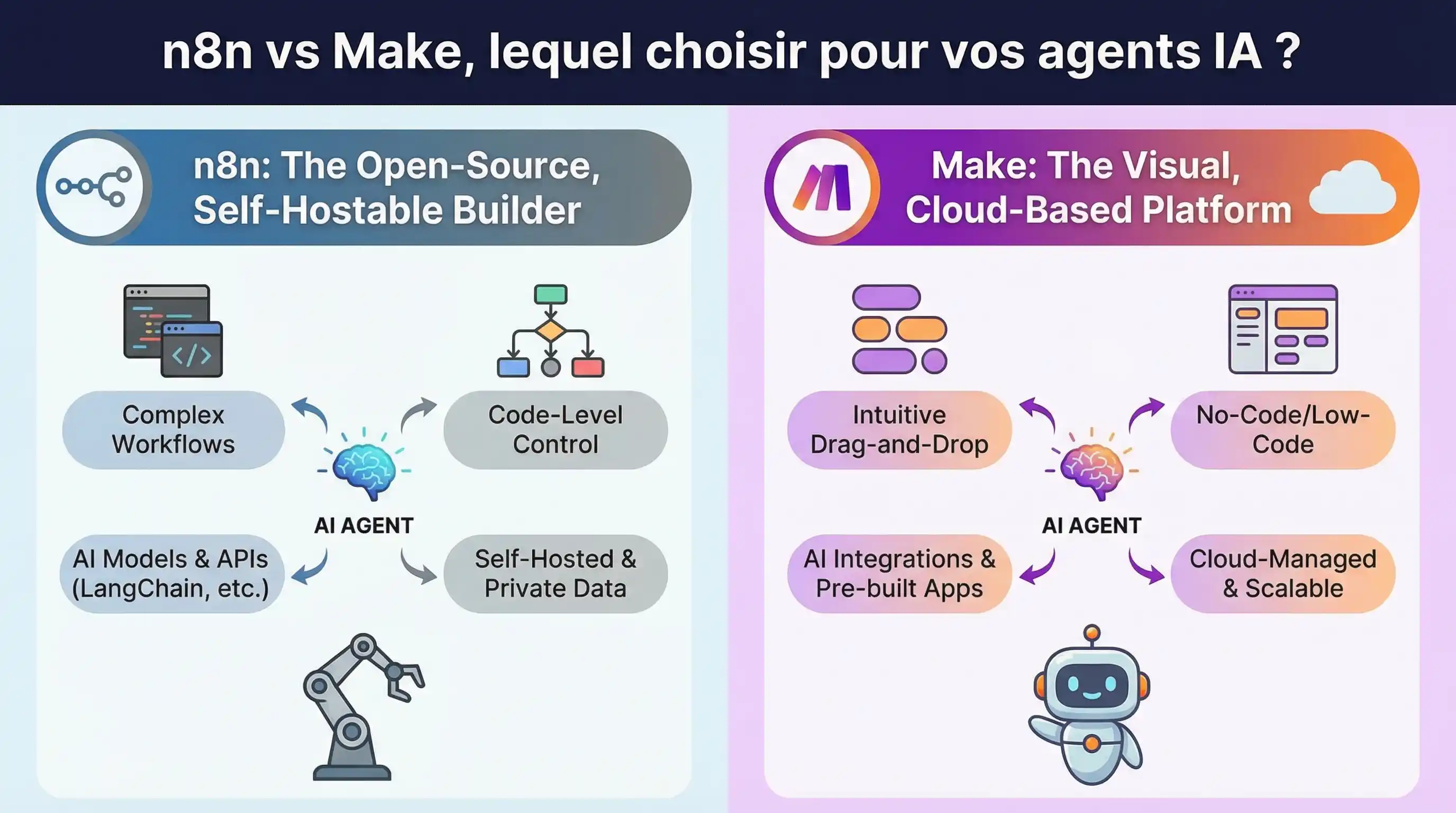
n8n vs Make, Which One for Your AI Agents?
Make too expensive? n8n too complex? We tested both for building AI Agents. Here's the unfiltered verdict.
 Automation
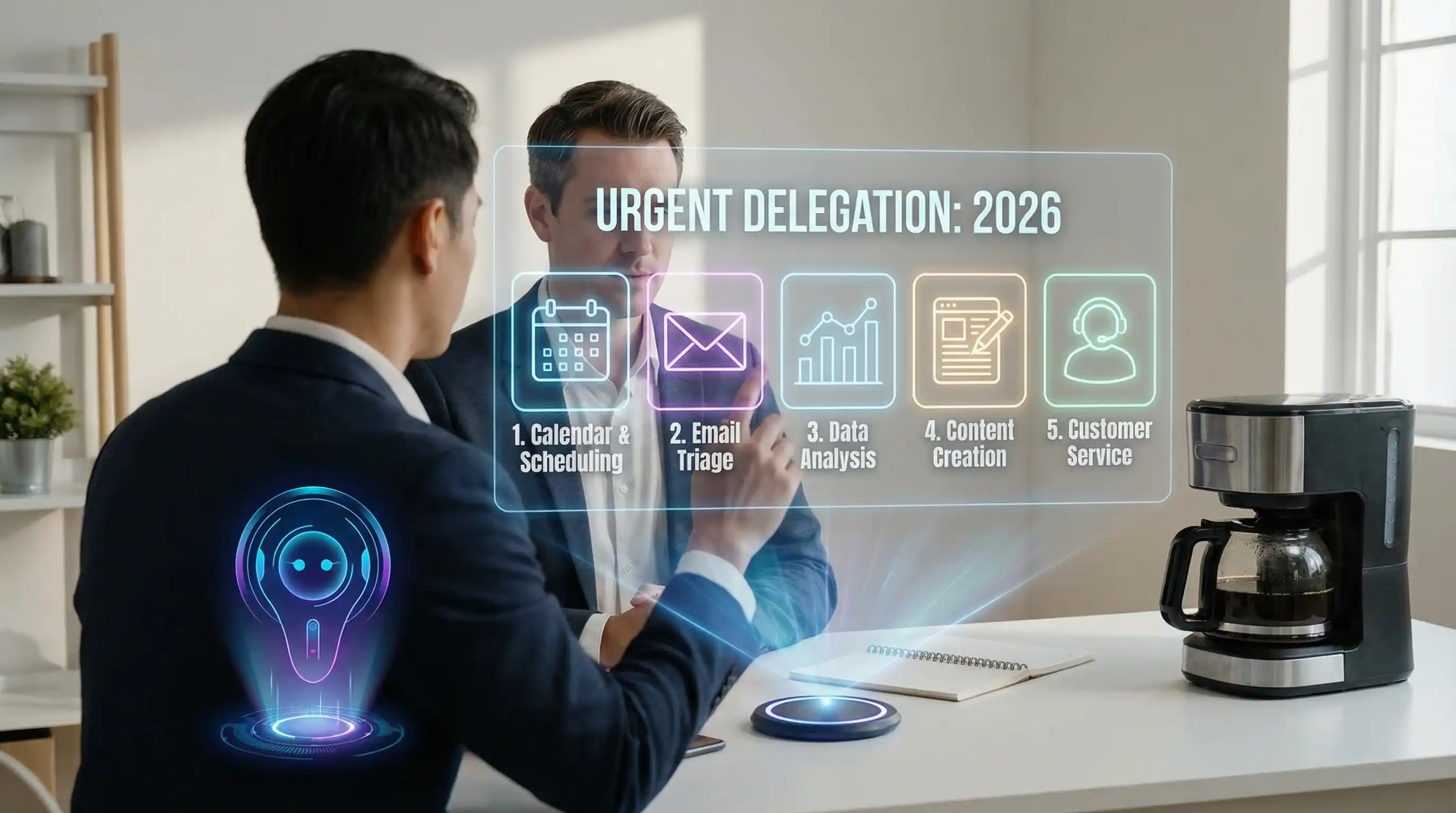
5 Tasks Every Solopreneur Should Delegate to AI
Flying solo and overwhelmed? Here are the 5 tasks you MUST delegate to AI agents to stop working 70-hour weeks.
Stay up to date on AI
One email per month with the best AI insights for your business.
Unsubscribe in one click. GDPR compliant.